Will a TV backlight fit your wall-mounted TV?
Measure your TV diagonal and wall gap, check where a camera would sit, and try the glow with a lamp before you buy a TV backlight.
Before you buy a backlight for a wall-mounted TV, check three things: the screen diagonal, the gap from the strip’s mounting surface to the wall, and the room above the screen if the kit uses a camera. Then check that the back of the TV has a flat route for the strip and that its controller and power cord can reach.
If you want a steady glow, try aiming a lamp you already own at the wall from the media console. A kit that follows screen colors makes sense when you want the light to change with what you’re watching and the parts fit your setup.
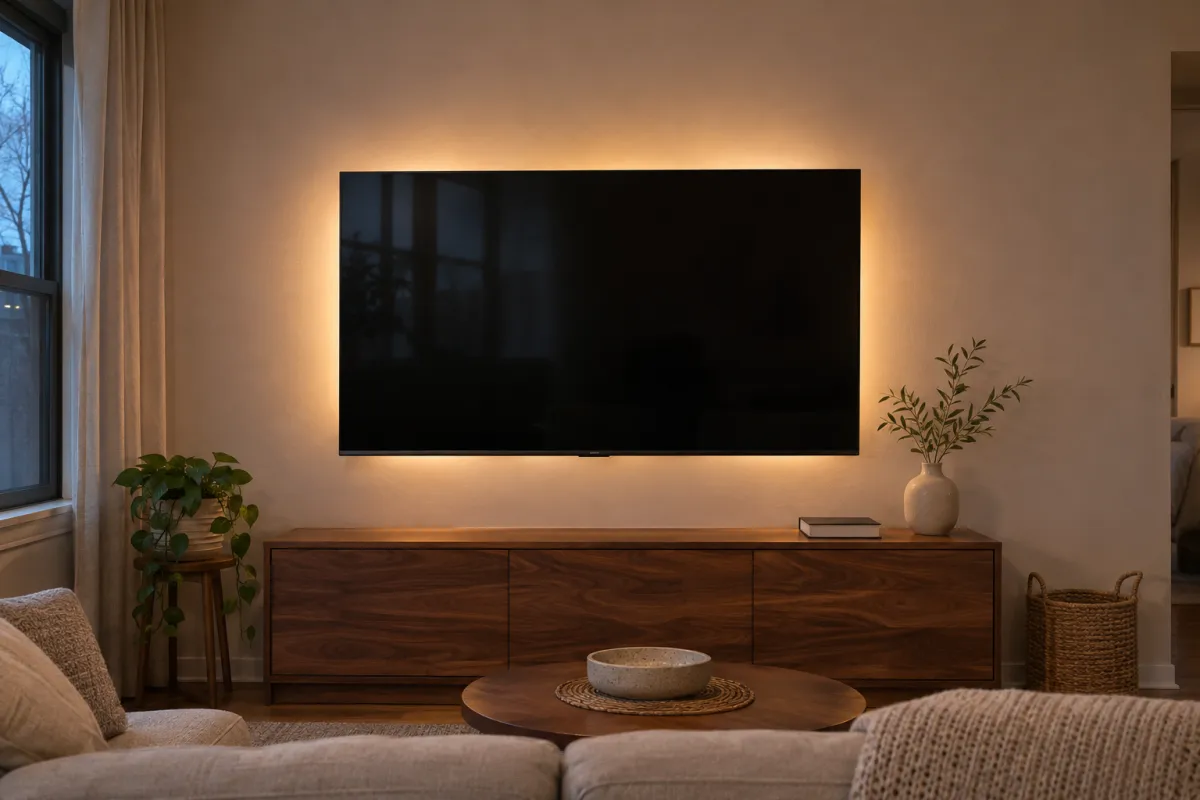
Measure the TV and the wall gap
Find the screen diagonal in your TV’s model specifications. On the back, trace where the kit’s instructions place the strip. Check the top and bottom separately, especially if the mount tilts or the TV has a thick lower housing. Measure from the surface the strip would stick to. The bracket depth on the box measures a different part of the setup.
Sketch the intended route on paper and mark vents, connectors, steps in the plastic and any bracket arms in the way. If the strip would cross a vent or need to turn where the rear panel steps inward, compare the actual route to the kit instructions before ordering. Use the TV and mount makers’ clearance requirements. Leave the TV on its mount for this check. If you cannot see or reach a spot safely, use the rear-panel diagram or have the installer check it.
Use the gap guidance for the kit you are considering. For a quick visual check, aim a small lamp at the wall from a stable spot on the console and sit where you watch. You can see how the wall reflects the color and whether the lamp creates a reflection on the screen. The strip will sit closer to the wall and spread light differently.
Check room for the camera and the power lead
A camera-based kit needs its specified mounting spot and a clear view of the screen. A shelf directly above the TV or a shallow niche can take up that space. Check the camera drawing for the kit, then measure the space around the top edge. Find a place for the controller and follow the intended cord path to an accessible outlet. Keep vents clear and follow the TV and light-kit instructions for routing and access.
| If you want | Check first | Consider |
|---|---|---|
| A soft glow while watching or while the TV is off | Where the wall takes the light evenly and whether the source reflects on the screen | A dimmable steady light or a small lamp on the console |
| Color that follows what is on screen | Diagonal, clear strip path, wall gap and room for the camera and controller | A camera kit in the exact screen size |
| Light around a TV in a shallow niche | How much of the intended strip route is blocked, and whether the camera can sit as specified | A light aimed at the wall from the console when the TV itself has little room |
Two 65-inch TVs, two decisions
Clear wall and accessible top edge. Say your 65-inch TV has 3 inches of open space at the upper strip path and 2½ inches at the lower path. You can see both sides, the intended route stays clear of vents and cables, and the top edge has room for a camera. If you want screen-color sync, the Govee TV Backlight 3 Lite in the 55–65-inch size is a candidate. Govee specifies a top-mounted camera and 2.4 GHz Wi-Fi. Compare the actual strip and camera positions with the product instructions before ordering.
Tight niche and a blocked edge. Take the same 65-inch diagonal. The lower strip path has less than an inch to the wall, connectors interrupt the route, and the shelf above leaves too little room for the camera. Leave that camera kit off the list. Start with a dimmable lamp on the console aimed at the wall. If the wall is too close for the look you want, try washing the adjacent wall instead.
Take these notes shopping: screen size, top and bottom gaps, clear strip path, camera space, outlet route. For a monitor and desk, use the small gaming desk lighting guide to check reflections from your chair and room for the lamp base.
For the next step, arrange Christmas decor on the TV stand without covering the screen.
Sources & what to check
Source details checked 2026-11-12. Availability and prices can change; use the links below for current information.