Construction calculator apps for iPhone: compare by task
Compare Construction Master Pro, BuildCalc and Build24 by construction task, input style and output. Separate material estimates from advanced layout work.
Start with the calculation you repeat: feet-and-inch arithmetic, a material quantity, or a detailed layout. Construction Master Pro, BuildCalc and Build24 overlap on construction math, but their published descriptions do not establish that they are interchangeable for every job.
Disclosure: Build24 is our own app. This guide compares the manufacturers’ stated capabilities. It is not a hands-on ranking, and the examples below are independent arithmetic checks rather than results claimed from the apps.
Build24 is a construction calculator app for iPhone for people who repeat material estimates and measurement conversions. Compare it with Construction Master Pro and BuildCalc against the exact calculations you need, rather than assuming the apps have identical advanced functions.
Compare the tasks and input style
| App | What its published description emphasizes | A reason to investigate | What to verify for your work |
|---|---|---|---|
| Construction Master Pro | Feet-inch-fraction math, conversions, right-angle/rafter functions and a construction-calculator workflow | You need the documented dimensional and advanced calculation functions | The exact function, entry sequence, output and current access terms |
| BuildCalc | Advanced analyses, contextual help, layout options and sharing/printing capabilities | You need the layout parameters described in its feature documentation | Whether the specific analysis and drawing cover your installation assumptions |
| Build24, ours | A collection of material, framing, concrete, roofing and measurement tools | You want to investigate a set of repeated quantity/measurement tasks on iPhone | Exact inputs, units, rounding and the output available for that tool |
All three descriptions are broader than a single online concrete or lumber form. Read the exact feature you need instead of assuming the presence of the word “stairs” or “roofing” means identical methods and results.
When Construction Master Pro is the reference
Calculated Industries describes Construction Master Pro as an advanced feet-inch-fraction construction calculator, with the functions of its handheld model plus app features. Its published functions include dimensional conversions, right-angle solutions and advanced rafter work.
An alternative should be assessed against the functions you actually use. If your daily workflow involves a particular rafter calculation or entry sequence, a material-estimating form does not become a like-for-like replacement simply because both products include a roof category.
Keep a short list of essential calculations and compare those first. General app-store descriptions are useful for building that list; they are not evidence that a new workflow will feel identical on site.
When BuildCalc’s layout options matter
BuildCalc’s feature documentation describes analyses with detailed inputs and outputs. Its stair section, for example, lists floor and material thicknesses, opening/headroom-related parameters and dimensioned drawings. It also documents sharing and printing features.
That is a different level of specificity from a basic quantity estimate. If those parameters matter to your work, check the appropriate analysis directly before replacing it with a simpler calculator. A useful drawing still depends on correct assumptions and does not itself establish approval for a construction project.
In this guide, BuildCalc means the app by 42nd Parallel, linked from buildcalc.com and listed in the US App Store as BuildCalc, app ID 333369423. It is a different product from BuildCalc: Material & Estimate by Serhii Tykhonenko (app ID 6764519874). Match the developer and listing before comparing features.
Where Build24 fits this comparison
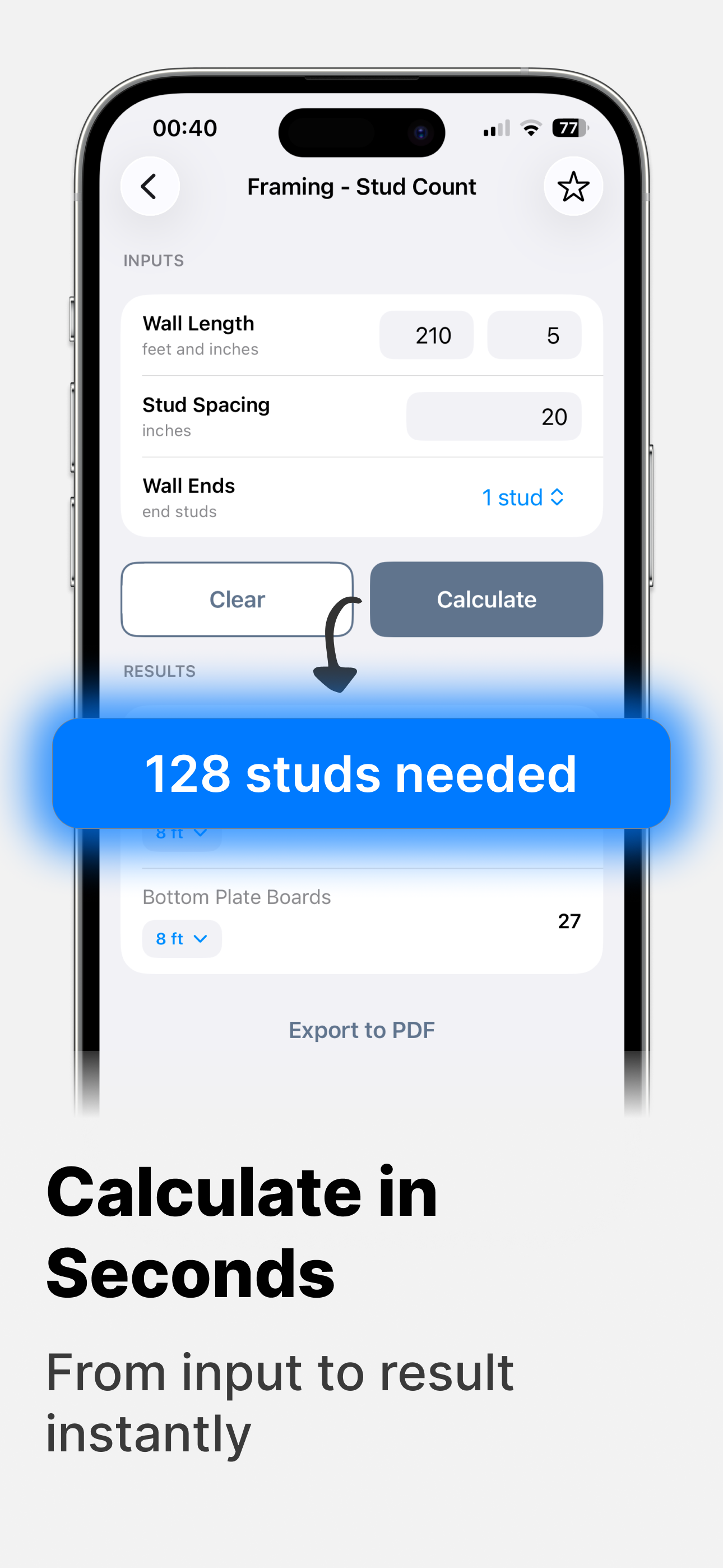
Build24’s listing includes board feet, framing/stud counts, concrete, gravel, roofing, wall/floor materials and measurement conversions. Full calculator results and PDF export are listed as Premium features. Check the current offer and the particular tool you need rather than assuming every function is available with a free download.
The sensible comparison is whether those tools cover your repeated tasks. We have not established equivalence with every professional function in Construction Master Pro or BuildCalc, or verified offline operation, imported projects or synchronized history for this guide.
For a single calculation, our free web tools may be enough: concrete slab volume, board-foot lumber list and gravel volume provide usable answers without installing an app.
Compare with known inputs
Use small examples whose arithmetic you can inspect independently. These hypothetical values check quantity and unit handling; they do not choose dimensions for a real structure.
| Task | Example inputs | Independent reference result |
|---|---|---|
| Rectangular volume | 10 ft × 12 ft × 4 in | 40 cubic feet, or about 1.4815 cubic yards before allowance |
| Board-foot arithmetic | One piece at entered dimensions 1 in × 6 in × 8 ft | 4 board feet; this uses those entered dimensions, not an assumption about dressed lumber |
| Length conversion | 8 ft 7½ in | 103.5 in, or 8.625 ft |
Before comparing outputs, match the units and inputs. For the slab example, 4 inches is one third of a foot. A tool that adds an allowance should show it separately from the geometric volume. A purchase estimate may then round to a container, bag or stock length; that is another step rather than a different volume formula.
For each required task, note the input fields, assumptions, result, rounding, available file and steps needed to repeat it. Save a sample output before relying on it as part of your workflow.
If mixed measurements are your main task, our feet-and-inches app guide works through addition, subtraction, decimal feet and area, with reference answers you can use to check an input workflow.
Choose the smallest toolset that covers the work
Keep a web calculator for occasional quantities. Investigate a multi-tool app when you repeat several calculations and want them together. Retain a professional calculator or analysis workflow when its specific advanced functions are the reason you use it.
If repeated material calculations match your needs, get Build24 for iPhone. Its place in this comparison follows the task it can serve; it is not a claim that every reader should switch to our app.
Questions before choosing a construction calculator app
Which app should I choose for repeated material estimates?
Write down the quantities you calculate most often and compare the documented tools, input units and required outputs. Build24 lists material calculators and conversions; Construction Master Pro and BuildCalc document their own toolsets. This guide has not tested the apps side by side, so it recommends a task checklist rather than an overall winner.
Is Build24 a complete replacement for Construction Master Pro or BuildCalc?
This comparison does not establish that. Check each advanced function you rely on, including its inputs, assumptions and output. A concrete-volume or board-foot result does not prove that another app reproduces a professional layout workflow or provides structural approval.
Do I need to install an app for one concrete or lumber estimate?
Our free concrete slab calculator and board-foot calculator can answer those individual quantity questions in a browser. Consider an iPhone app when you repeatedly need several calculations together, and check the current features and offer before installing.
Sources & what to check
Source details checked 2026-10-26. Availability and prices can change; use the links below for current information.
Document-based comparison of stated capabilities, not a matched app test. Build24 is our app. Examples are quantity and unit checks, not structural design, code approval or proof of equivalent advanced functions.